Invoice Solu
Create, manage, and send invoices from your phone.

How it works
From creating to sending — everything in a few taps.
1
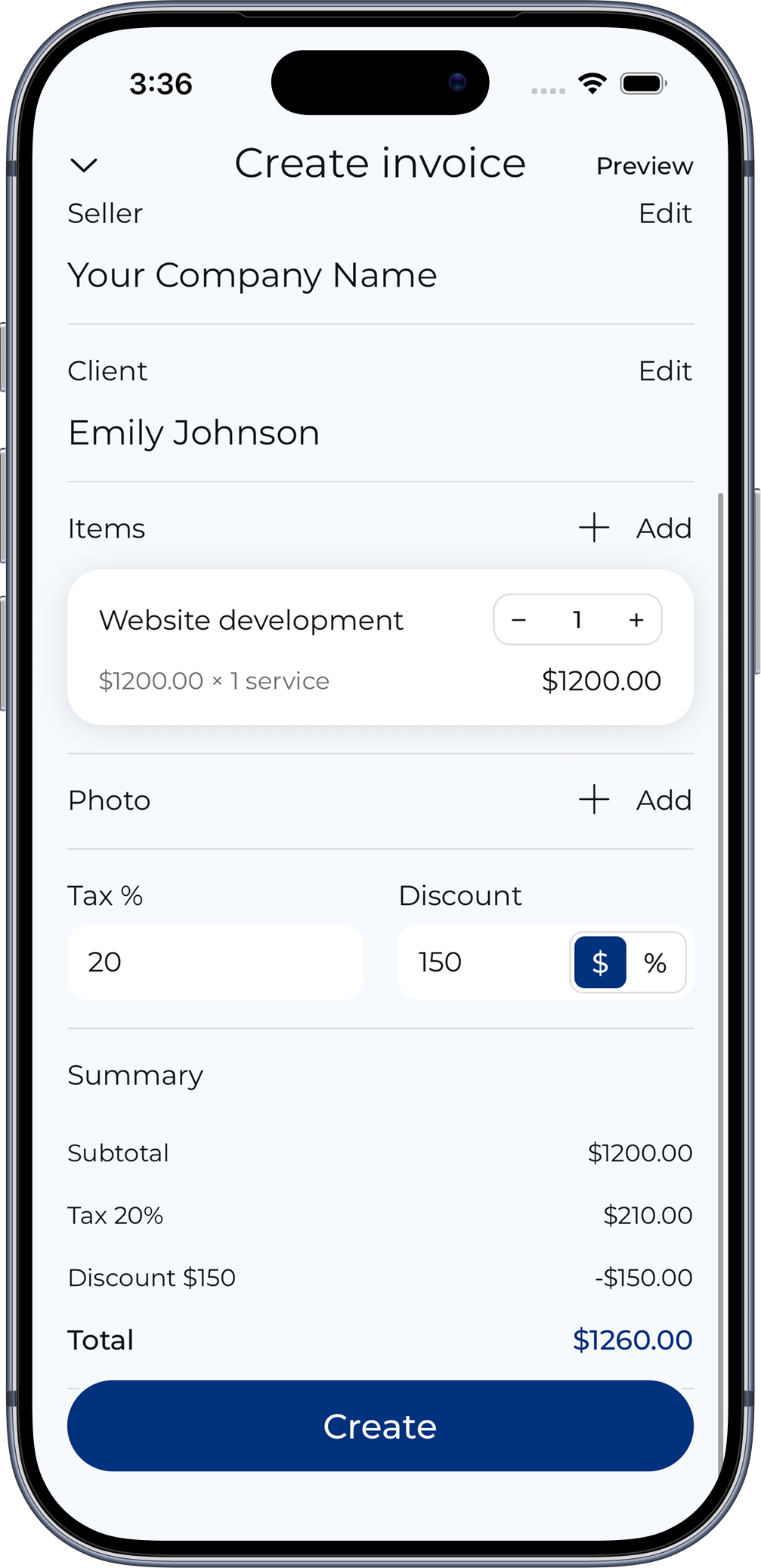
Create an invoice
Start a new invoice by adding basic details.
2
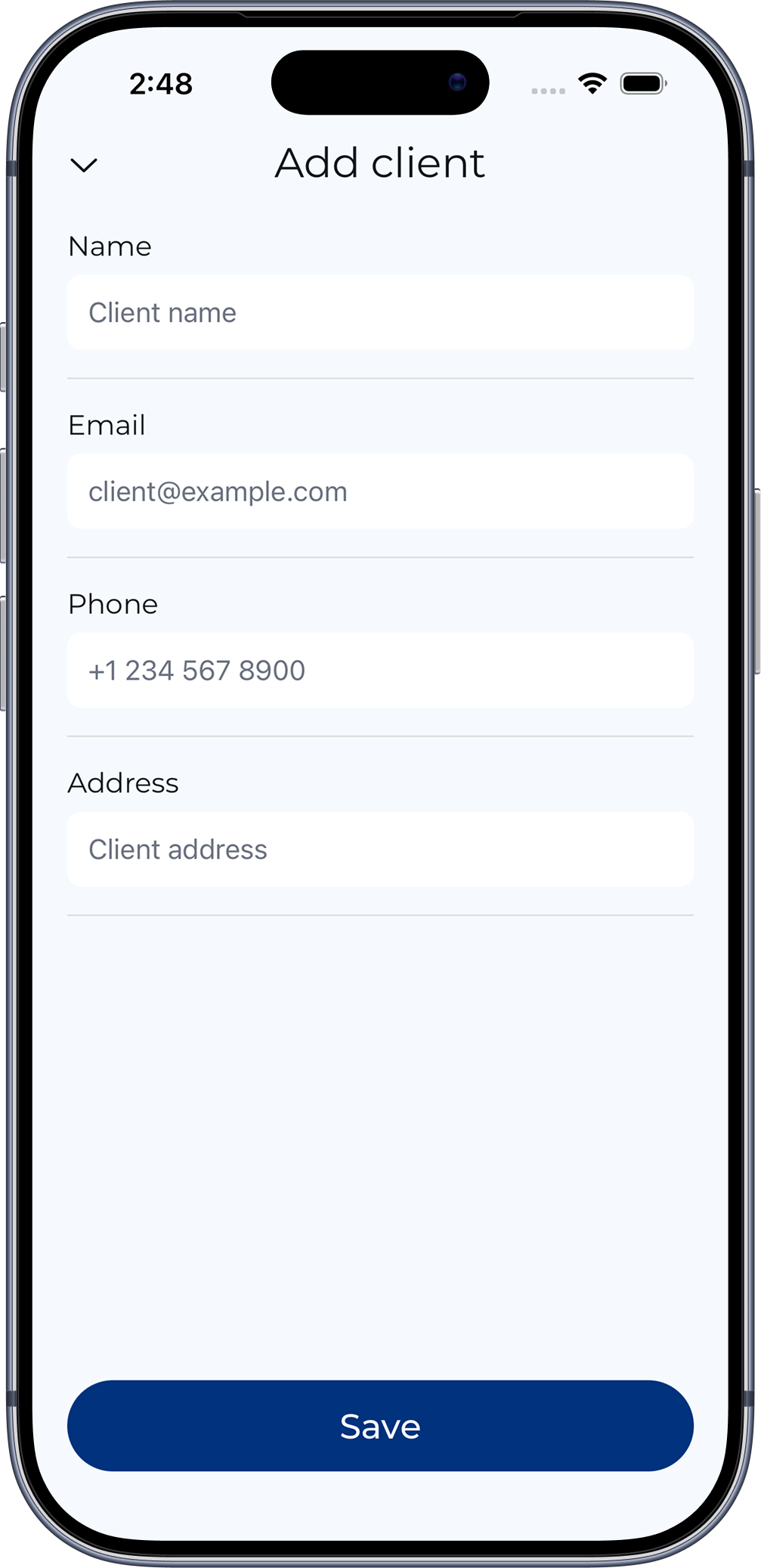
Add client details
Add or select a client for your invoice.
3
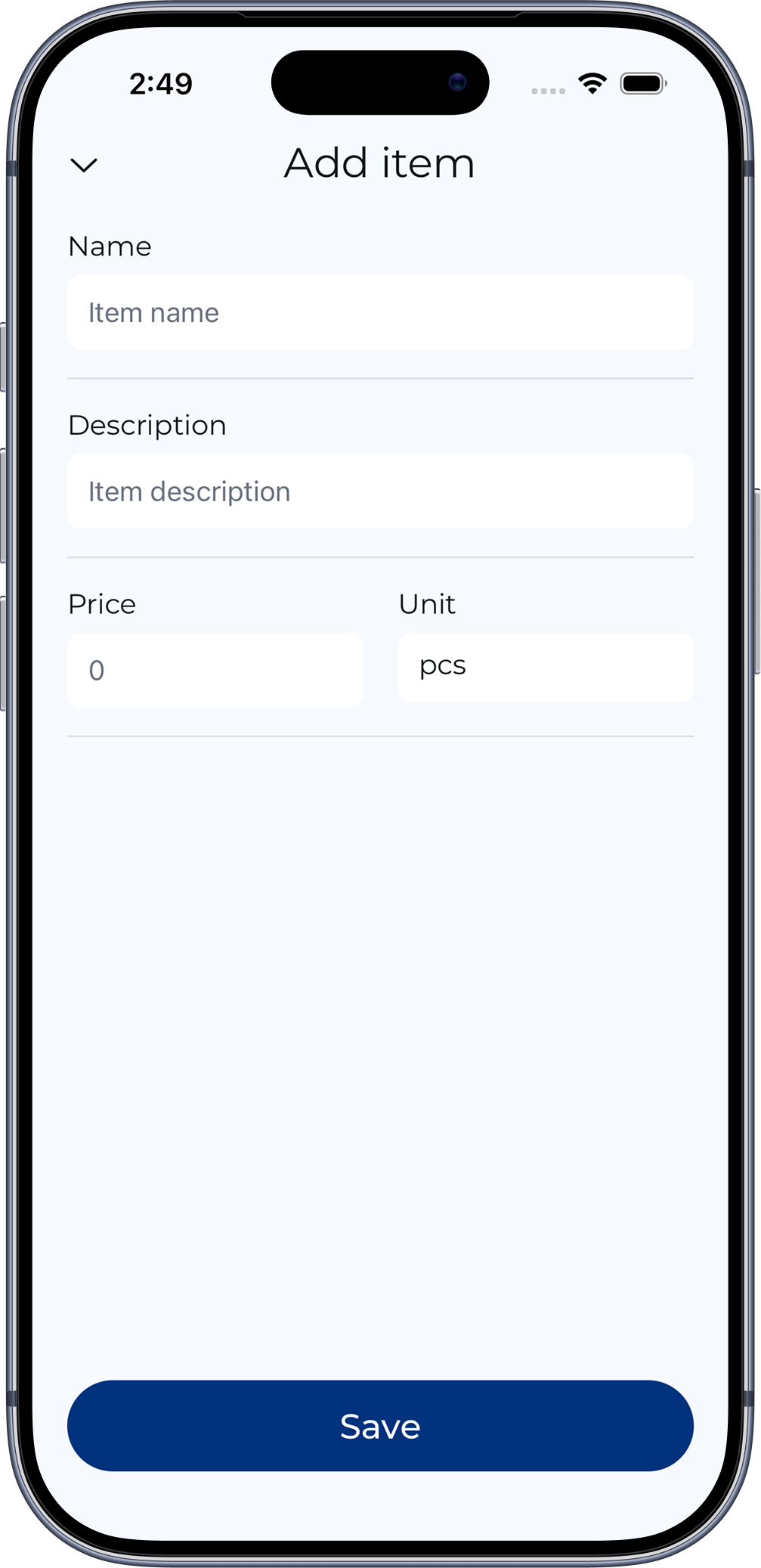
Add items or services
Add services or products with price and type.
4
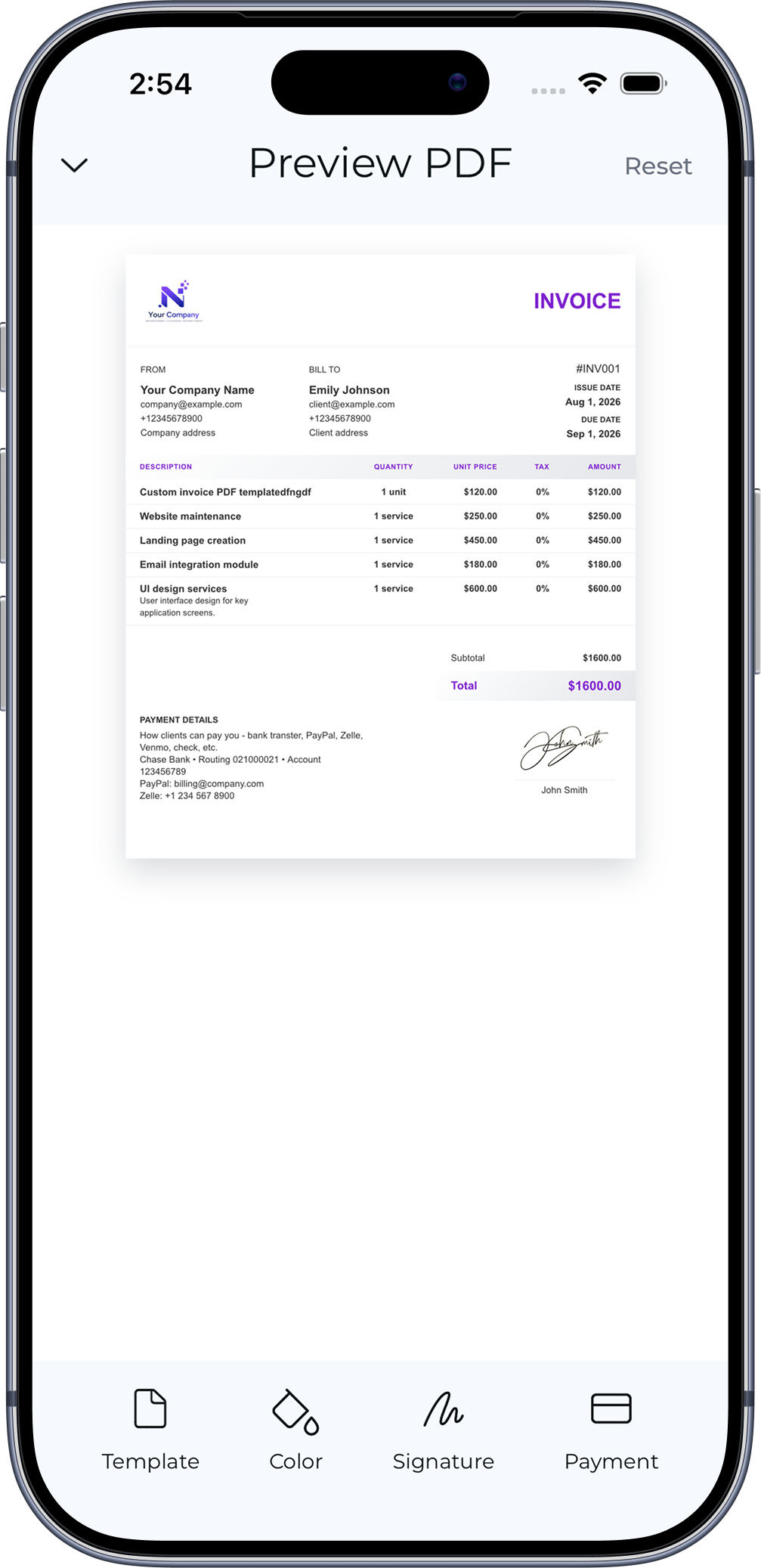
Review the invoice
Preview your invoice before sending it.
5
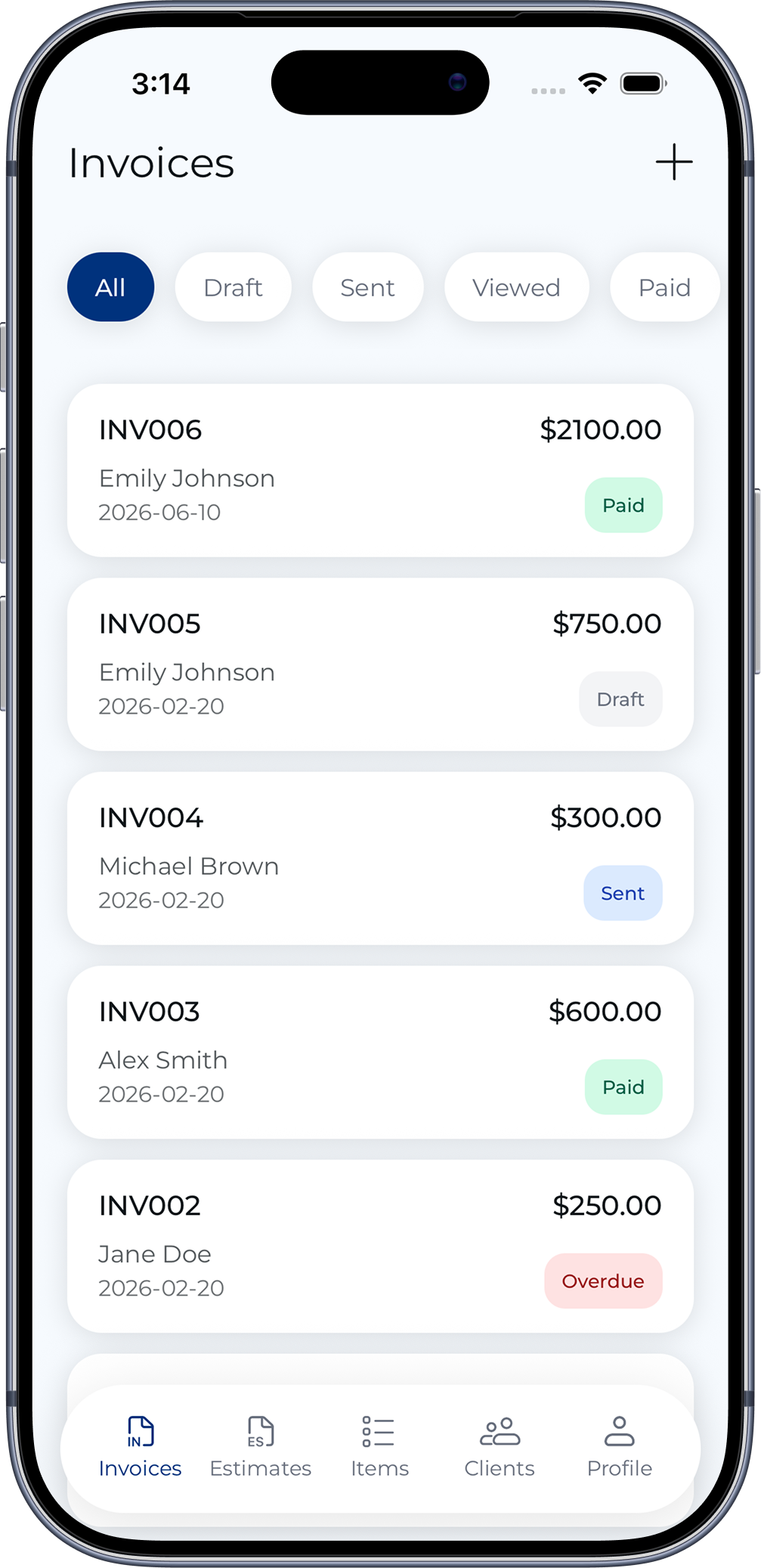
Manage all invoices
View and manage all your invoices in one place.
Customization
Make your invoices look exactly how you want.
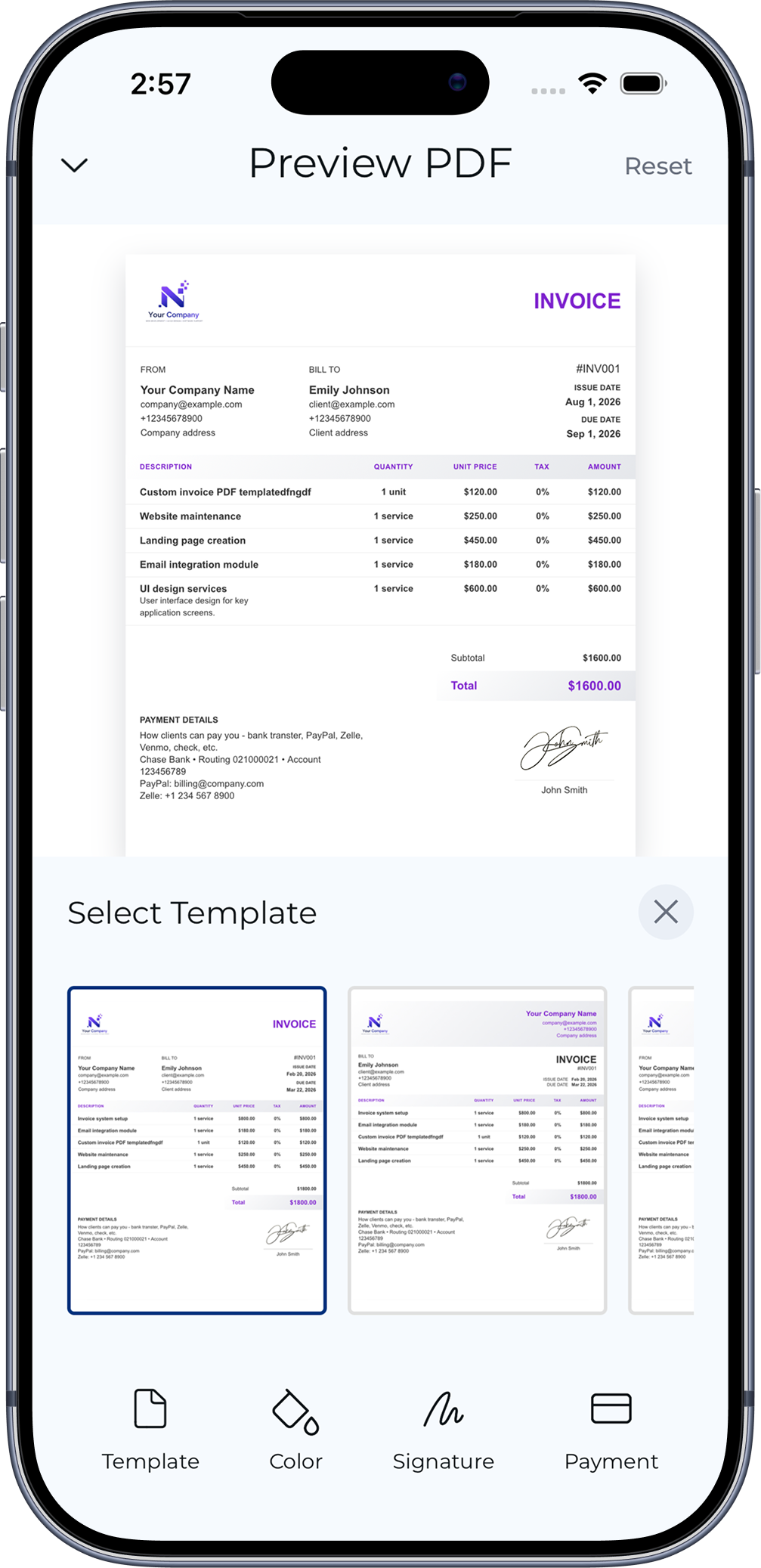
Custom invoice templates
Customize the invoice layout to match your needs.
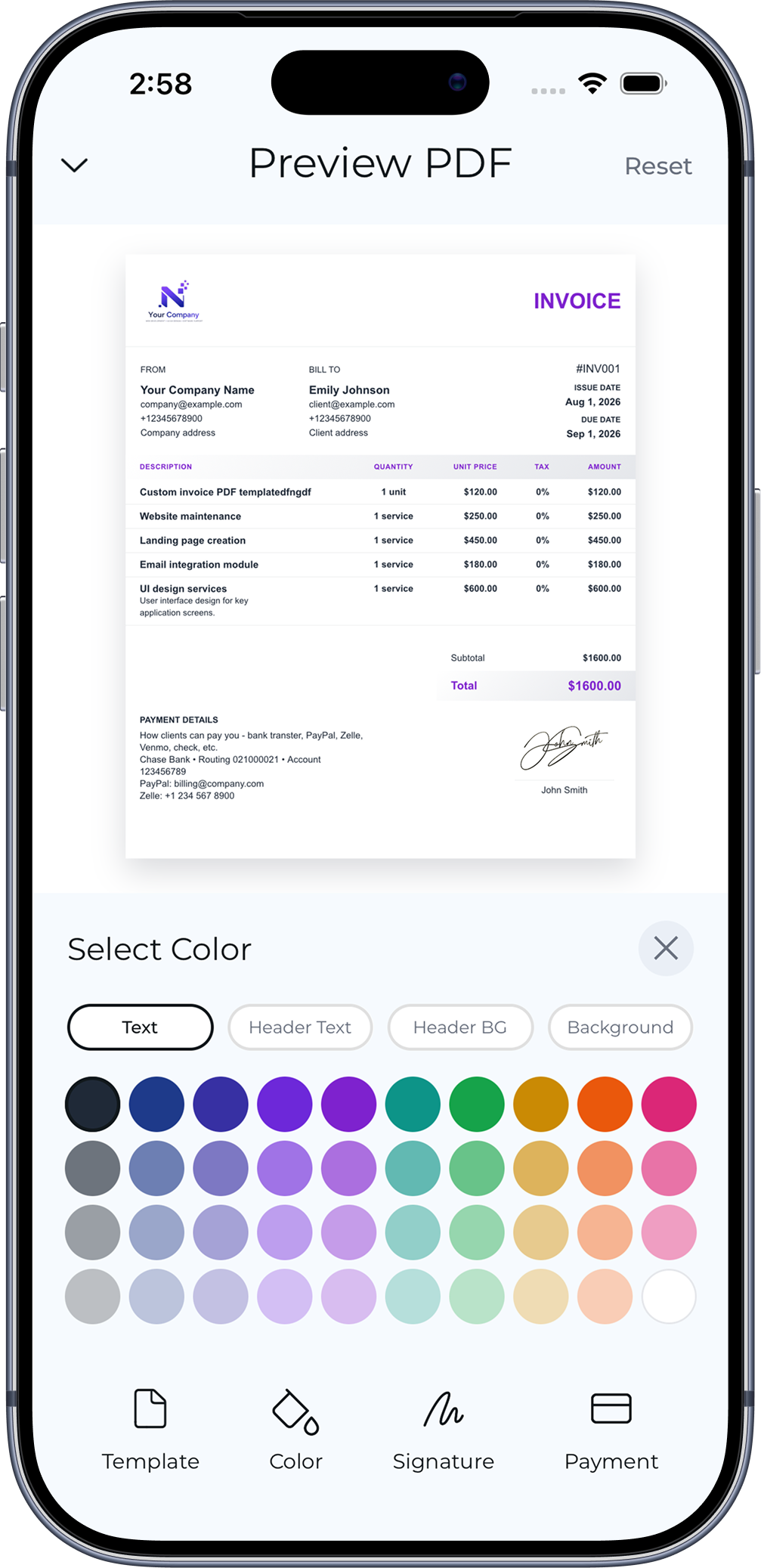
Custom invoice colors
Choose colors to personalize your invoices.
Manage your data
All your business information, always at hand.
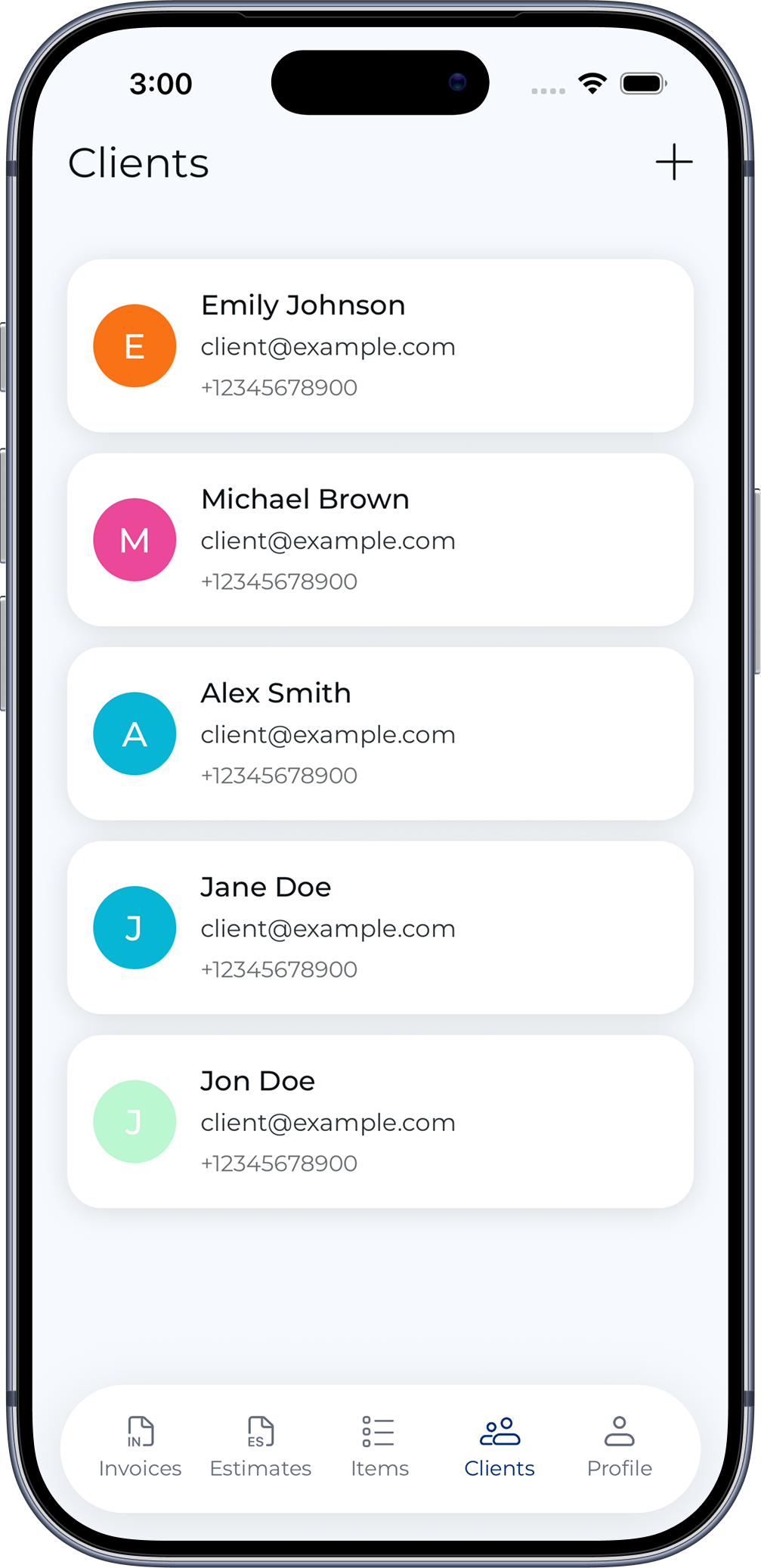
Clients management
Keep all your clients organized in one place.
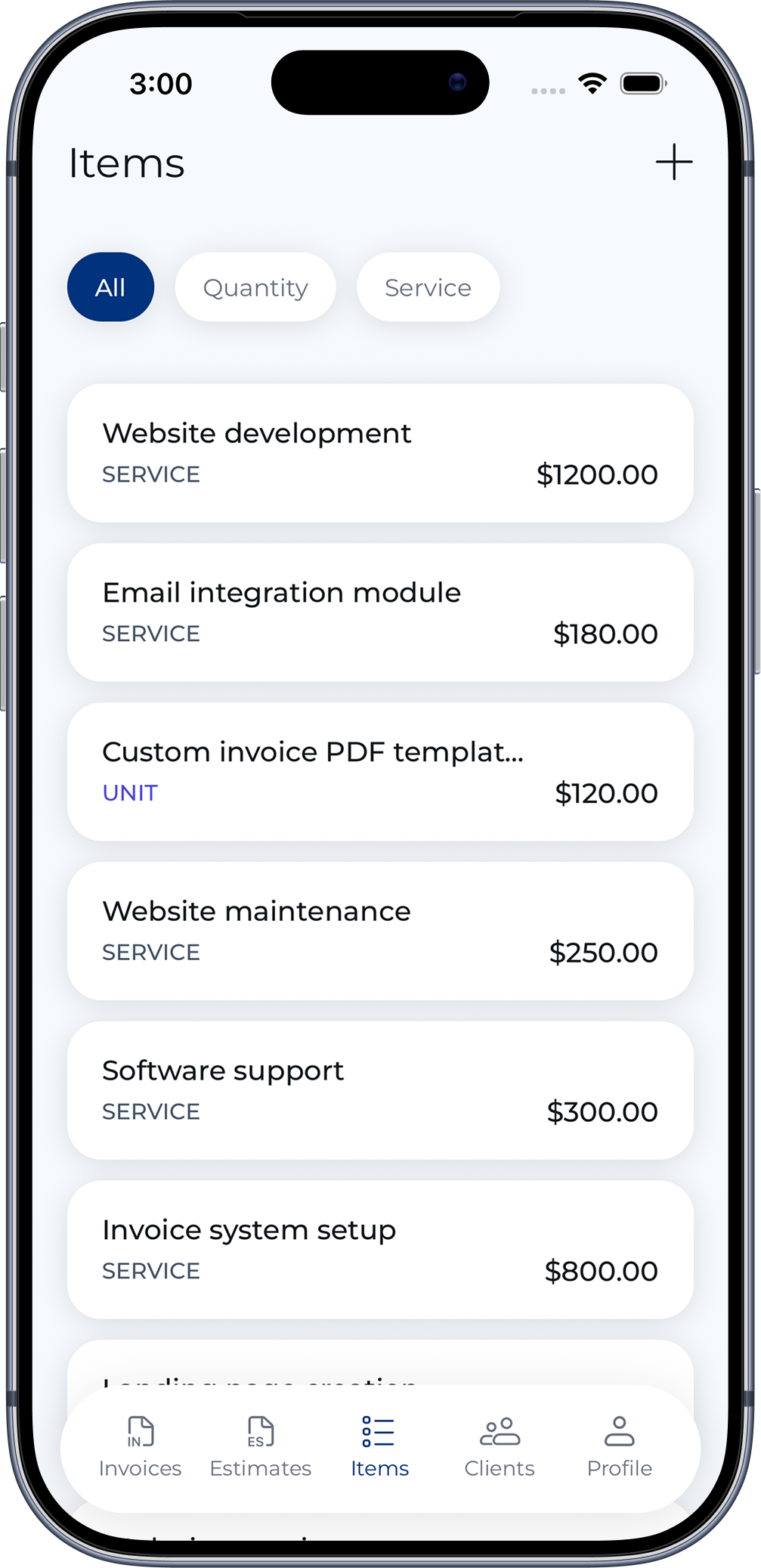
Items management
Reuse products and services across invoices.